Inspire someone's next trip. Earn $1 for every new verified Mindtrip signup through your links.
How it Works
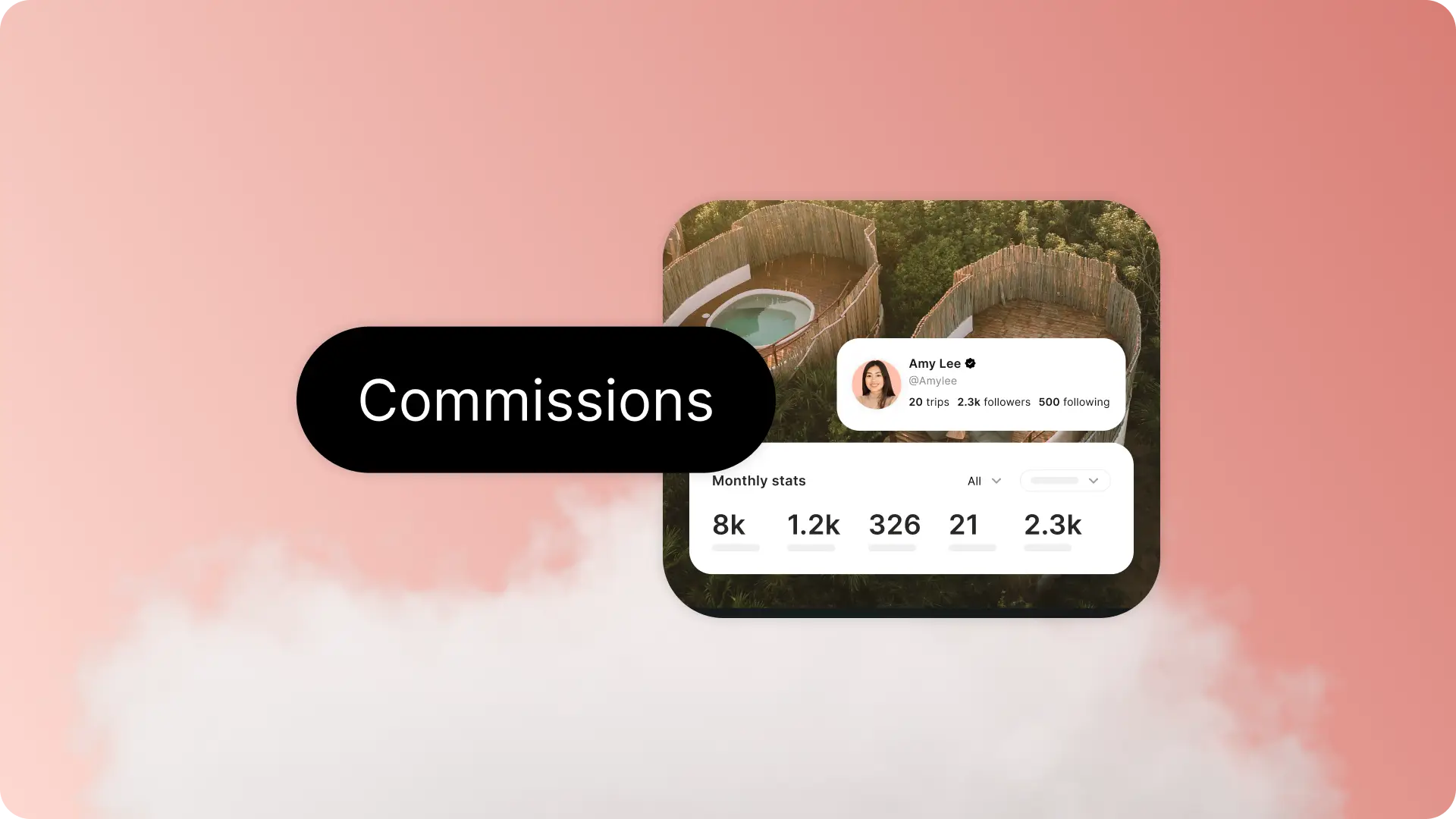
Share your guides, favorite spots or your profile. When someone joins Mindtrip through your link, you'll earn $1 and can track your referral earnings in your Creator Hub.
Share a link to your guides.
Your guides are one of the easiest ways to earn.
1. Head to Mindtrip.ai and open your Creator Hub by clicking “Create” in the navigation bar.
2. Find the guide you want to share, click the three dots in the top-right corner, then “Copy Link” OR open a guide, hit the “Share” icon and click “Copy Link.”
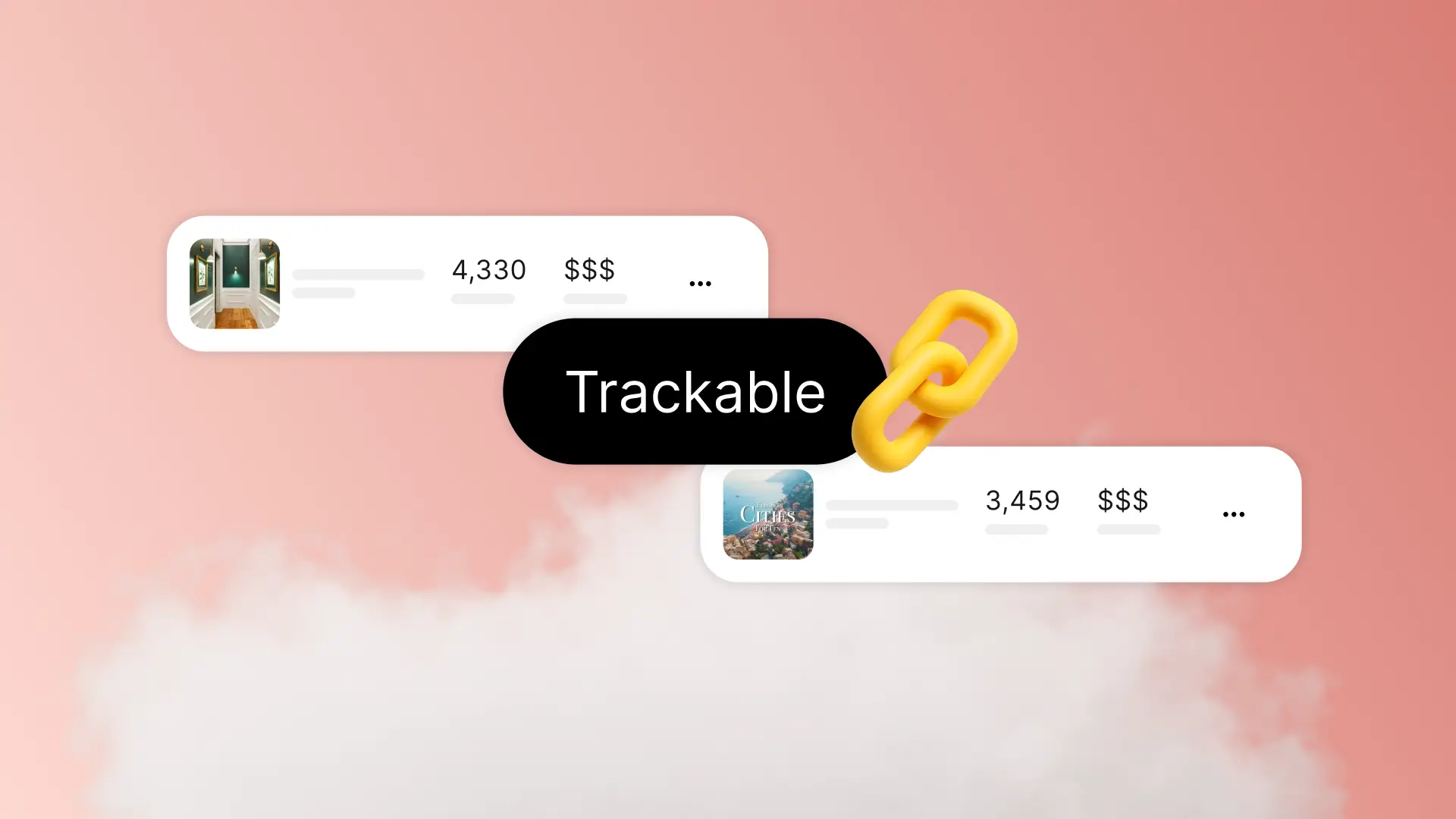
3. Share the trackable link anywhere you like.
Share a link to any place in Mindtrip.
Know a spot travelers shouldn’t miss? Share it.
1. Ask for the place in Mindtrip chat or search for it in Explore.
2. Open the place page, tap the “Share” icon in the top-right corner and choose “Copy Link.”
3. Share the trackable link anywhere.
Share your Mindtrip profile.
Send travelers straight to your world of guides.
1. Go to your profile from your Creator Hub or by tap your icon in the bottom right.
2. Tap the three dots in the top right corner, select “share” and copy your link.
Your creator ID is automatically added to your profile URL, so the link is trackable.
Reminder: Double-check your links are trackable.
Before you share, take a quick look at the link. A trackable link will end with something like: ?refid=u-XXXX.
If you see that, you're good to go.